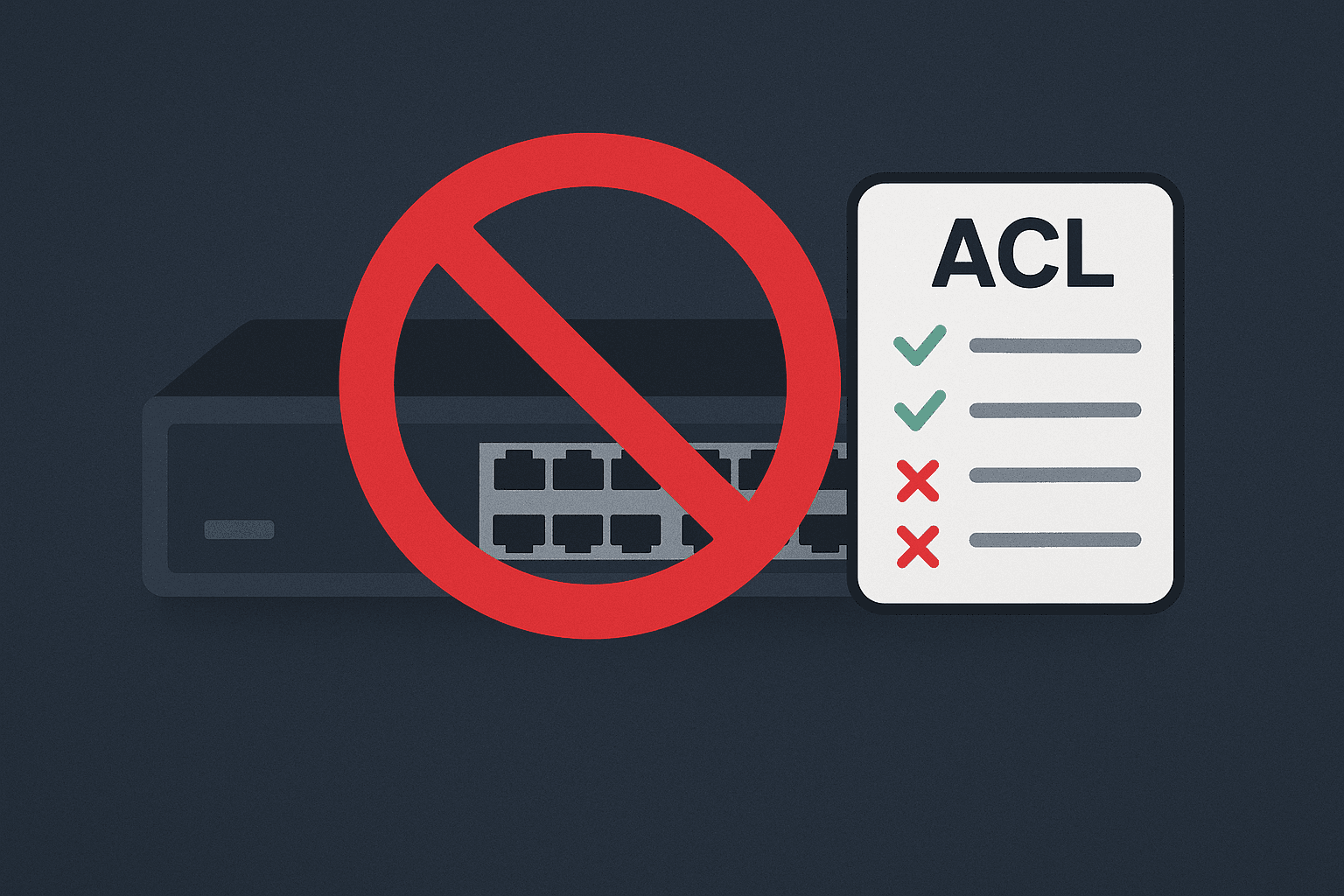
No ACL, No Entry — Simple as That.
Access Control Lists (ACLs) are a quick, low-cost, high-impact way to restrict who can reach your devices’ management interfaces. Apply ACLs to management VLANs or interfaces to allow only a well-defined admin subnet.
1. What is an ACL (Access Control List)?
An Access Control List (ACL) is an ordered set of rules on a network device (router, switch, access point) that permits or denies traffic based on attributes such as source IP, destination IP, protocol, and port.
The device evaluates rules sequentially; the first match wins. If nothing matches, there’s usually an implicit deny.
Key points:
- ACLs can be applied inbound or outbound on interfaces or VLAN interfaces.
- ACLs can log matches (depending on platform) for visibility.
- They complement firewalls — ACLs protect the management plane from inside threats.
2. Why use ACLs on switches, APs, and routers?
Protect the management plane
Management interfaces (SSH, HTTPS, SNMP) should never be reachable from user VLANs. ACLs restrict these services to admin-only networks.
Defense in depth
A firewall handles the perimeter, but ACLs protect inside your network. If an attacker gets in, they can’t pivot to your core devices.
Reduce configuration mistakes
If only the admin subnet can connect, engineers on the wrong VLAN can’t accidentally break something.
Audit and visibility
ACLs with logging help detect suspicious access attempts or scans.
3. Example use case
Scenario:
- Management network:
192.168.100.0/24 - Admin subnet:
172.16.10.0/28 - Allowed services:
SSH (22),HTTPS (443) - Goal: Only
172.16.10.0/28can access management. Everything else = blocked.
4. Configuration examples
Cisco IOS — Named extended ACL
! Create a named extended ACL
ip access-list extended MGMT_ONLY
 remark Allow admin subnet to management services
 permit tcp 172.16.10.0 0.0.0.15 any eq 22      ! SSH
 permit tcp 172.16.10.0 0.0.0.15 any eq 443     ! HTTPS
 deny   ip any any                            ! Explicit deny
! Apply ACL inbound on the management interface
interface GigabitEthernet0/0
 description Management Interface
 ip access-group MGMT_ONLY in
Notes
Use a named ACL for clarity.
0.0.0.15 is the wildcard mask for /28.
Always finish with an explicit deny.
Aruba AOS-CX — ACL on vrf
! Create an IPv4 ACL named mgmt_only
access-list ip mgmt_only
 permit tcp 172.16.10.0/255.255.255.240 any eq ssh ! SSH
 permit tcp 172.16.10.0/255.255.255.240 any eq ssh ! HTTPS
 deny ip any any               ! Deny all others

! Bind the ACL to the management VLAN
apply access-list ip mgmt_only control-plane vrf default
apply access-list ip mgmt_only control-plane vrf mgmt
Notes
Aruba AOS-CX uses rule numbers for order.
Apply the ACL on VRF default, mgmt.
You can extend it for SNMP..
HP Procurve — IP authorized-managers
! Create an authorized-managers
ip authorized-managers 172.16.10.0 255.255.255.240 access manager access-method ssh
ip authorized-managers 172.16.10.0 255.255.255.240 access manager access-method web
5. Best practices and pitfalls
Order matters: ACLs are first match.
Always end with a deny (deny ip any any).
Test before applying on production interfaces.
Log denied packets when possible.
Document everything — ACLs evolve, and clarity prevents errors.
Backup before changes — a bad ACL can lock you out.
6. Useful show / debug commands
show access-list mgmt_onlyWhat to check
Is the ACL applied to the right interface or VLAN?
Are the hit counters increasing as expected?
Are legitimate connections being denied?
7. Security impact — what happens if you skip ACLs?
Without ACLs, any user or attacker inside the corporate LAN can:
Scan and access management interfaces.
Attempt brute-force attacks on SSH/HTTPS.
Change configurations or upload malicious firmware.
Move laterally across the network.
ACLs stop this by allowing only trusted admin subnets to reach critical management planes.
8. ACLs as Part of a Bigger Picture: Compliance with ConnectMyAssets
In modern network environments, Access Control Lists (ACLs) are not just a security layer — they’re a key part of your overall compliance strategy.
But keeping them consistent across dozens (or hundreds) of switches can quickly become a nightmare.
That’s where ConnectMyAssets comes in.
Our platform doesn’t just check whether ACLs exist — it validates that they’re accurate, compliant, and aligned with your organization’s security policies.
With ConnectMyAssets, you can:
Automatically audit your switches for ACL misconfigurations
Detect unauthorized or missing entries in management VLANs
Compare current configurations against your compliance baseline
Generate reports to prove alignment with internal or regulatory standards
In other words, ACLs are just the start.
ConnectMyAssets gives you a complete visibility and control framework to ensure that what’s configured on your switches truly reflects what your security team expects — every day, across your entire network.
9. Conclusion
A network without ACLs is like a castle without gates.
They’re simple to configure, free to implement, and drastically improve your security posture.
Restrict management access, log everything, and sleep better at night knowing your switches and routers aren’t open to the world.